Weddings & parties
Highlight one friend without turning the entire reception into super-chonk.
 chonk.me
Multi-person targeting · AI fat filter
Most AI fat filters blast the whole image. chonk.me is built for group shots: detect people, multi-select targets, and apply a fully clothed super-chonk weight-gain effect only where you want it.
Body modes on chonk.me: Chonk / AI fat filter · GLP-1 / AI skinny filter · Jacked / AI muscle filter · Rack mode · Tiny / AI shrink
Live before/after from the public gallery—not a stock composite. Open the share page to scrub.
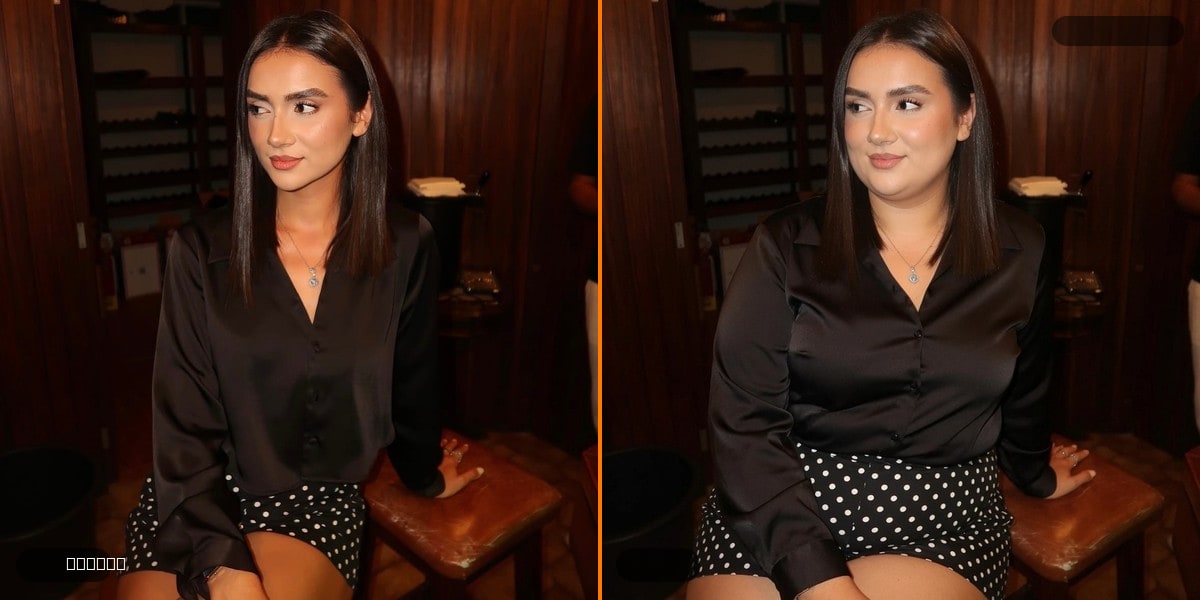
Highlight one friend without turning the entire reception into super-chonk.
Pick the birthday human. Leave the rest of the squad intact.
Chonk one partner, both partners, or swap targets and regenerate.
Yes. That’s the main reason to use chonk.me over a one-click whole-image fat filter.
Use Add manually to place targets, or switch to Everyone mode.
Yes. Multi-select any combination of detected or manual subjects.